
Resolutions & findings
This is where the funnel pays off. Findings are the pieces of knowledge a conversation produces. A Resolution closes the conversation with an outcome on the record. Both feed the Brain.
Findings (keypoints)
As a conversation runs, capture the points worth keeping as findings (also called keypoints). A finding is a Key Point or a Decision.
- Capture it: press + Finding in the Findings panel and type the point.
- Accept it, or Reject it. An accepted finding has been reviewed; it is more than a stray note.
- Promote it to a Brain, where it becomes a durable, searchable, access-scoped record. You can accept and promote in one step.
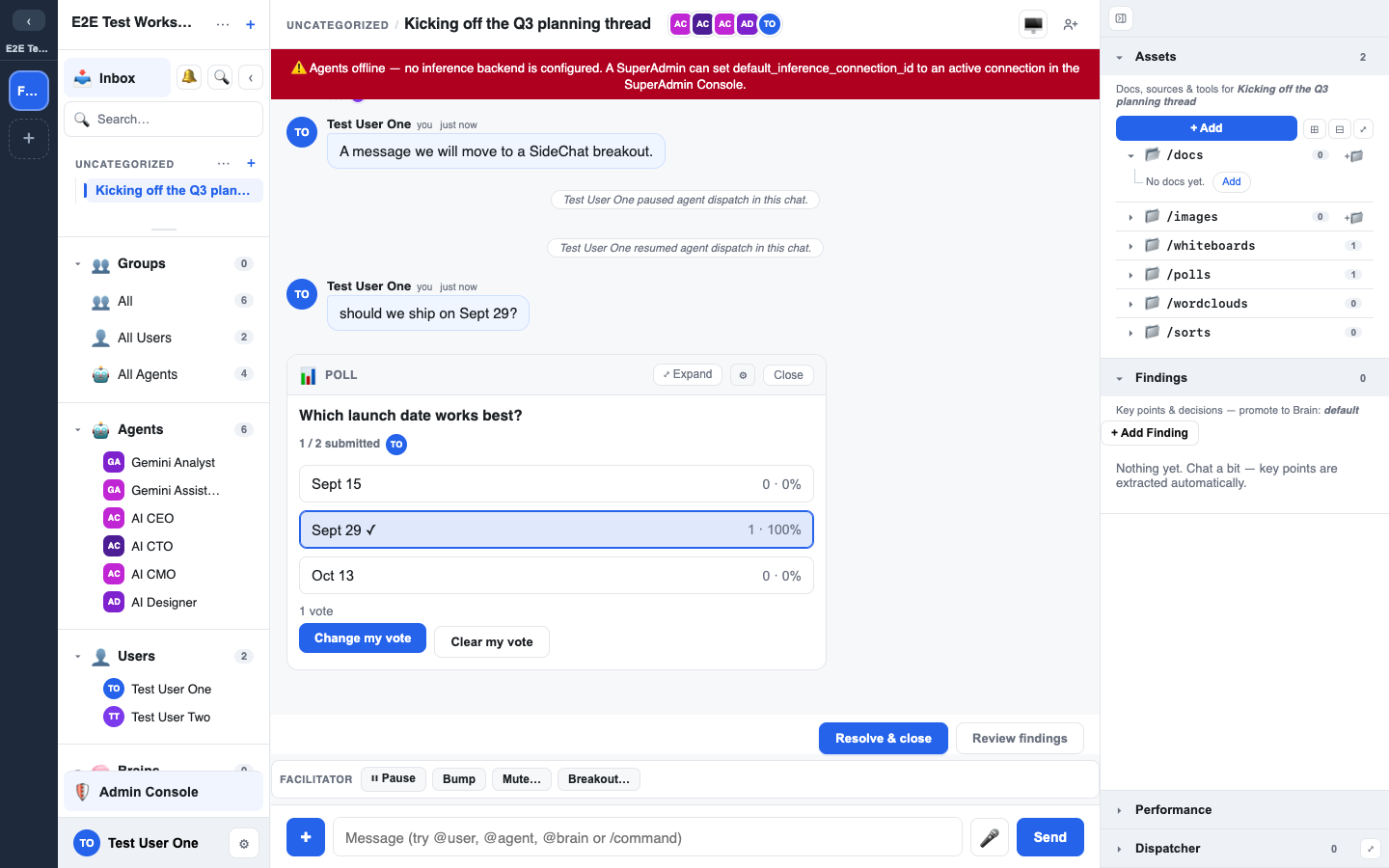
The panel filters by All, Findings and Decisions.
Because promotion targets a specific Brain, you are making an explicit decision about who will be able to see this. The clearance model applies when you promote.
Findings an agent recorded
An agent can record a finding too. A finding that came from an agent is marked "A person must approve this before it goes into a Brain."
- A person has to approve it, usually in the Findings panel.
- After approval it reads "Approved by a person. It is not in a Brain yet: accept it into one to add it."
- An agent cannot approve its own finding.
- An API key can approve one only when the workspace setting Let API keys approve findings from Agents is on (the default), and only by stating who reviewed it and how. The key's owner is recorded as the approver, and the statement is shown in the chat. With the setting off, only a person signed in to LEMA Chat can approve.
Which Brain a finding goes to
- The Brain picker starts on the workspace's company Brain, unless you picked another one before. Select more than one and Add to Brains adds the finding to each of them.
- Add All accepts every pending finding into the selected Brains; Clear All rejects every pending one. Both ask first.
- The workspace setting Founders write to the company Brain (on by default) lets Founders accept their findings into the company Brain themselves. With it off, a Founder's findings wait in the chat for a Facilitator to accept them, and the panel says so.
Findings during an interview
While an interview is running, the chat can hold its findings back so the conversation is not interrupted. The chat then says "Findings are held until this interview ends." Every finding is still recorded and is there to review afterwards.
A workspace setting, Show findings while an interview is running, turns this on or off. Facilitators and Admins can change it; see Workspace settings.
Who can do this
Capturing, accepting and promoting findings, and resolving a chat, are open to anyone who can post in the chat. They are not Facilitator-only.
- Promoting needs write access to the Brain you choose.
- A SideChat that was started with a goal is closed by the person who started it, or by a Facilitator or above.
The Resolution / close model
A Resolution resolves a chat with a stated outcome. Open Resolve chat from the Session actions sheet, or press Resolve chat in the chat header.
The dialog holds:
- Topic: what the chat was about, in one line.
- Resolution summary: what was concluded. An agent drafts it and you edit and approve it.
- Details: the decision points and the reasoning.
- Outcome and its fields, when the chat decided something. See below.
- Destinations: Parent, to post a "Resolved: …" line in the parent chat, and Save resolution to brain(s), one record per Brain you select.
📸 Screenshot: the resolve modal, and a committed resolution banner on the chat.
After you close:
- The chat shows Resolved by the person who resolved it, with the conclusion at the top. Anyone arriving later sees the conclusion first.
- Edit refines the wording.
- Reopen continues the conversation if the matter is not settled.
- Closing again saves a new resolution that supersedes the last one. Earlier ones are listed under Prior resolutions, so history is kept.
Decisions: For, Against and Parked
When a conversation decided something, say so when you close it. In the Resolve this chat dialog pick an Outcome:
- Decided (For): we will do it. You can add an optional Owner and Due date. There is no separate "assigned" outcome: an assignment is a Decided outcome with an owner.
- Decided not to (Against): we will not do it, so it is not relitigated.
- Parked: set aside.
- No outcome: an ordinary close.
Your workspace admins can rename these, add more (each one is For, Against or Parked) or switch one off.
With an outcome you must give Reasons. You can link Evidence: this chat's Findings, or paste a message link, an asset (file, doc, whiteboard), a Brain record, Discovery evidence or a Continue / Change / Stop decision. Each reader only sees the evidence they are allowed to open; the rest shows as "linked items you do not have access to".
Saved to a Brain, the close becomes a Decision record, with your name as the decider. Something the conversation merely identified is a Finding, not a decision.
- Reopen keeps the Decision record as it is.
- Re-close starts from what was decided: unchanged keeps the record, any change saves a new version that supersedes it.
- A reviewer's gate verdict is separate from the outcome; both are shown.
Findings vs Resolution
- A finding is a piece of knowledge, promoted into a Brain.
- A Resolution is the conversation's outcome, recorded on the chat.
A well-run session usually produces both: several promoted findings and a resolution that ties them together.