
Groups
You don't have to think about groups much day to day, but they quietly decide two things: who's in a conversation and what knowledge is allowed in it.
The plain-terms version
- A group is the single unit of both membership and clearance.
- Every user also has an implicit personal group — their own private scope.
- A Brain (or an integration) is usable in a chat only when every group present in the chat holds read access to it. This is called clearance intersection.
- On top of that, you only ever see what you personally are cleared to read.
The effect: put a sensitive Brain in front of a chat that includes a group without clearance, and it simply won't be usable there. Access fails safe.
What you'll notice
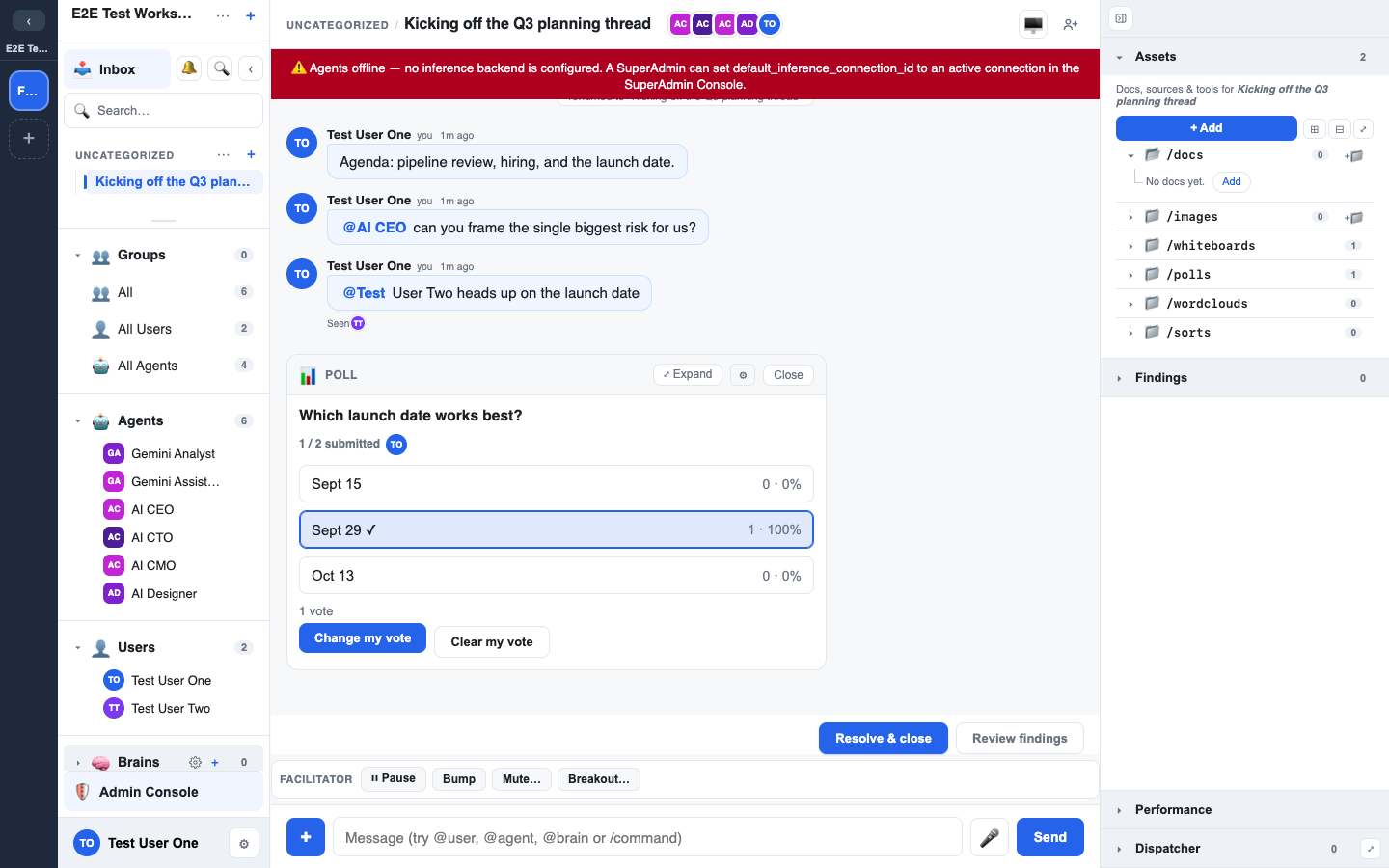
- Chats show which groups are present.
- The Brains panel shows only the Brains usable given the current chat's clearance — not everything that exists.
- Adding a group to a chat can narrow what's usable (because the intersection now has to satisfy that group too).
Who manages groups
Creating groups, adding members, and granting a group read/write/admin on a Brain or integration are admin tasks. See Groups & roles in the Admin's Guide for the full model, including dynamic roles and the anti-escalation rule that stops anyone granting more power than they hold.