Canvas & docs
Chat is one surface; Canvas and Doc are two more. Both are collaborative, both live inside a chat, and both can be promoted to a Brain when they're worth keeping.
Canvas (whiteboard)
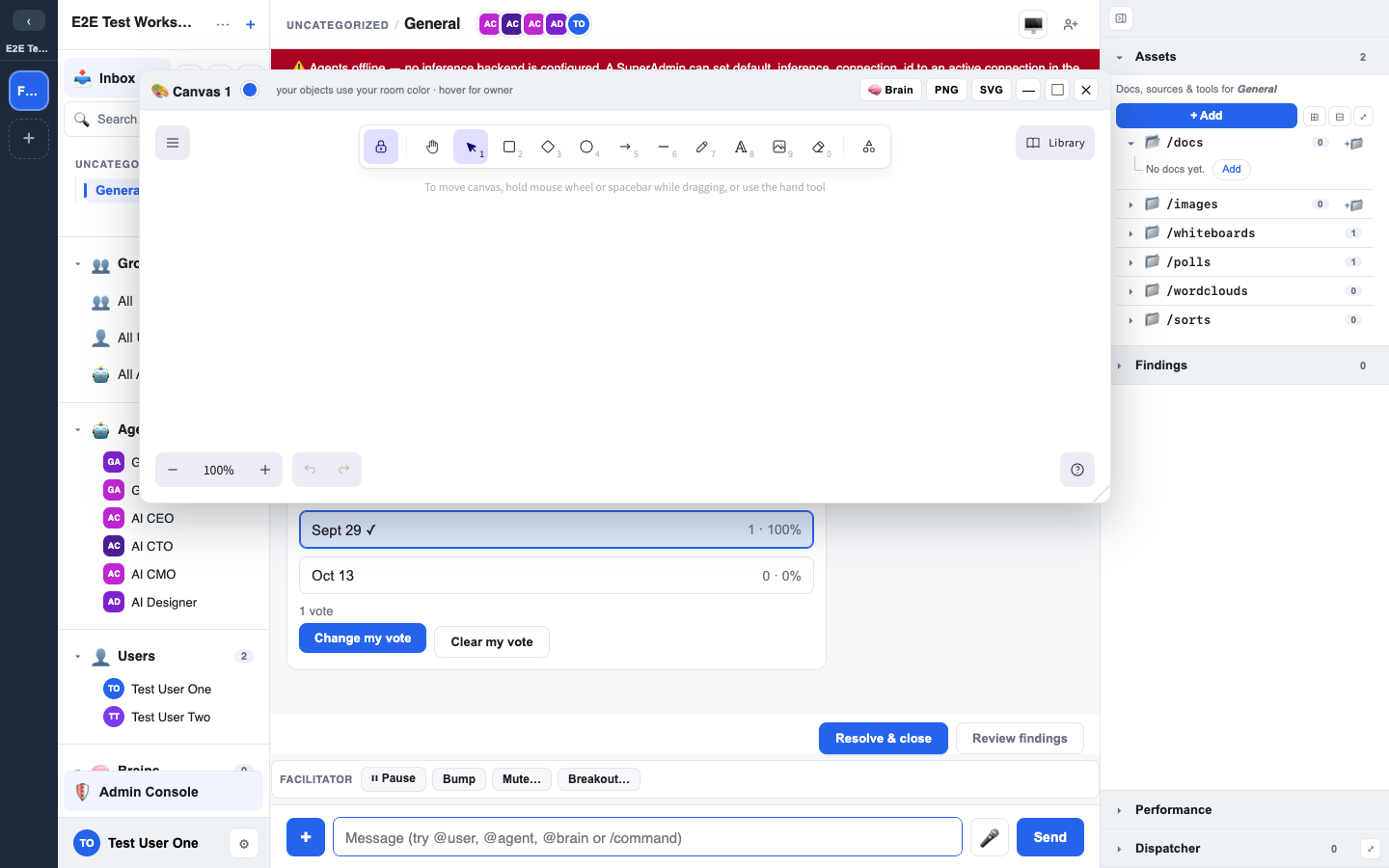
A canvas is an Excalidraw whiteboard attached to a chat. Start one with /canvas or the + Add control in the Assets panel.
- Multiple canvases per chat — open more than one; each is its own object.
- Per-object ownership — every shape carries who drew it.
- Lifecycle — rename, archive, restore, or delete a canvas; archived canvases can be brought back.
- Promote to Brain — turn a finished canvas into durable knowledge.
- Canvas library — your workspace keeps a shared library so useful shapes and templates can be reused.
Doc (collaborative document)
A doc is a live collaborative document (CodeMirror with a CRDT under the hood), so several people can edit at once without stepping on each other. Start one with /doc or from + Add.
- Real-time co-editing — edits sync live over the chat's realtime lane.
- Durable text — the document's plain text is persisted, so it's searchable and safe.
- Lifecycle — rename, archive, restore, delete.
- Promote to Brain — publish a finished doc into a Brain.
📸 Screenshot: two cursors editing the same doc.
Why "promote to Brain" matters
Canvases and docs are still conversation surfaces — they're where work happens. Promoting one to a Brain is the deliberate act of saying "this is a finding we want to keep." That's the funnel in action: talk and sketch freely, then promote the parts that should outlive the chat. See Resolutions & findings.