
Files & assets
Everything a chat produces — uploads, whiteboards, documents, widgets — is gathered in the Assets panel of the right rail, so you can find it again without scrolling the whole timeline.
Uploading files
Use + → Upload file(s) in the composer, or the + Add control in the right-rail Assets section, to upload to the current chat. You can pick several files at once; each uploads on its own, and any that fail stay staged with the reason shown. Files are:
- Listed in the Assets panel, with thumbnails where they're images.
- Renamable and removable by the people in the chat. A removed file goes to the Trash, with Undo on the message that confirms it. Select several in the Assets panel to remove them together, with one Undo for all of them.
- Linkable and taggable: tag a file in a message with
#, or share its link. A link opens the file's viewer (or a No viewer notice with a Download button), never an automatic download. See Asset tags & links.
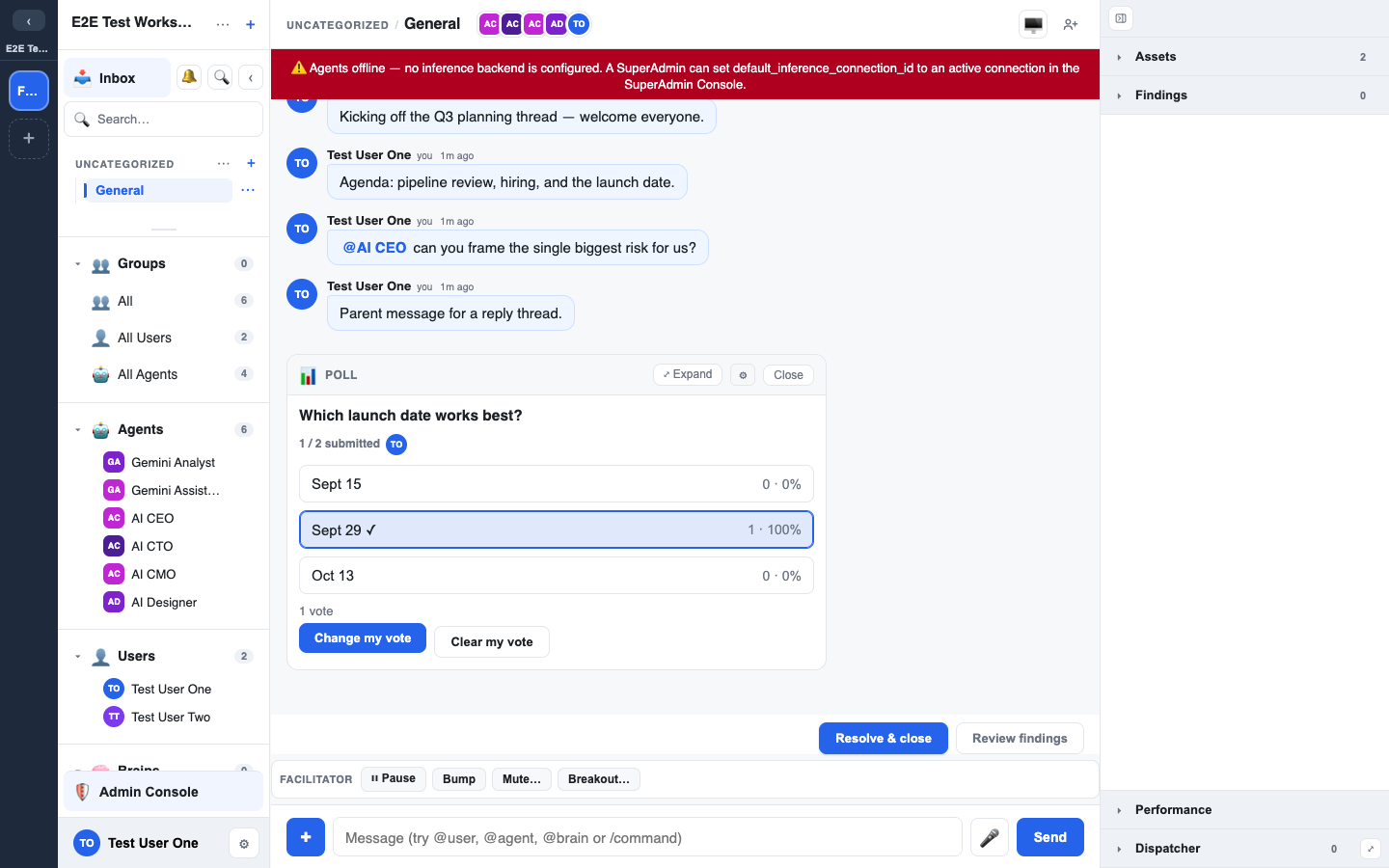
The Assets panel
The Assets panel brings a chat's collaboration surfaces together in one place:
- Files you've uploaded.
- Docs — live collaborative documents (see Whiteboards & docs).
- Whiteboards: Excalidraw drawing surfaces.
- Widgets: polls, word clouds, sortboxes and checklists attached to the chat.
The single + Add button lets you upload a file or start a new doc or whiteboard without leaving the chat.
Finding things later
- Use the search panel to find messages and content across the workspace.
- Anything genuinely worth keeping should be promoted to a Brain so it becomes durable, searchable knowledge rather than an attachment buried in one chat — see Resolutions & findings.