
Names and labels
A workspace can rename the words LEMA Chat uses for its sections, roles and items, so the app speaks your organisation's language. A team that calls its Topics "Projects" sees "Projects" everywhere.
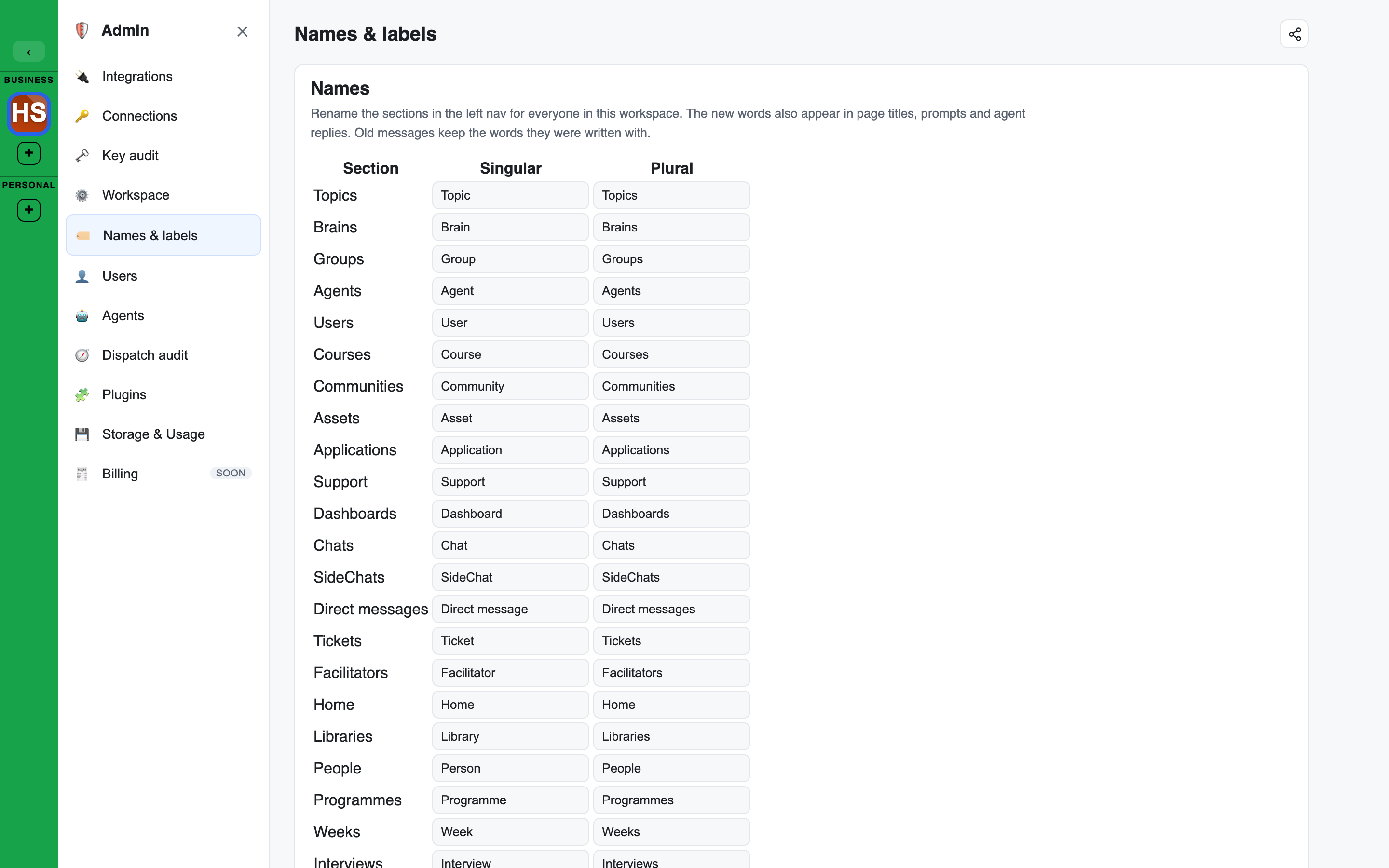
Open Names & labels in the Admin console. The same table is also on the Workspace page under Names. Only a workspace Owner can change it.
What can be renamed
Each word has a singular and a plural, edited separately, so irregular plurals work. The table lists every word in the label registry, with its default:
| Word | Singular | Plural |
|---|---|---|
| Topic | Topic | Topics |
| Brain | Brain | Brains |
| Group | Group | Groups |
| Agent | Agent | Agents |
| User | User | Users |
| Course | Course | Courses |
| Community | Community | Communities |
| Asset | Asset | Assets |
| Application | Application | Applications |
| Support | Support | Support |
| Dashboard | Dashboard | Dashboards |
| Chat | Chat | Chats |
| SideChat | SideChat | SideChats |
| Direct message | Direct message | Direct messages |
| Ticket | Ticket | Tickets |
| Facilitator | Facilitator | Facilitators |
| Home | Home | Home |
| Library | Library | Libraries |
| People | Person | People |
| Programme | Programme | Programmes |
| Week | Week | Weeks |
| Interview | Interview | Interviews |
| Interview status: not started | Not started | Not started |
| Interview status: in progress | In progress | In progress |
| Interview status: needs review | Needs review | Needs review |
| Interview status: done | Done | Done |
| Interview status: incomplete | Incomplete | Incomplete |
| Guest | Guest | Guests |
| Brain record | Record | Records |
| Brain tool | Brain tool | Brain tools |
| Tool template | Tool template | Tool templates |
| Topic group | Topic group | Topic groups |
| Integration | Integration | Integrations |
| Connection | Connection | Connections |
| Role | Role | Roles |
| Course item | Course item | Course items |
| Member | Member | Members |
| Founder | Founder | Founders |
| Widget | Widget | Widgets |
| Section | Section | Sections |
| Lesson | Lesson | Lessons |
| Trash | Trash | Trash |
Active user (the @active group) | Active User | Active Users |
All (the @all group) | All | All |
All users (the @users group) | All Users | All Users |
All agents (the @agents group) | All Agents | All Agents |
Renaming a word
- Type the word you want in the Singular and Plural columns.
- Press Save.
- A name can be up to 40 characters: letters, digits, spaces, hyphens and apostrophes.
- Names are checked for unsuitable words before they are saved.
- Use defaults puts every word back.
Where the words appear
The words you choose appear in the left sidebar, in page titles, in the Admin console's own menu, in course pages (Sections, Lessons, Course items), wherever Widgets are mentioned, in setting names and warnings (for example Founders write to the company Brain), in interview statuses, in prompts and in agent replies. Messages already in a chat keep the words they were written with.
These guides use the default words. If your workspace renamed Topic to Project, read "Topic" as "Project".
Agent names
Agent names are not in this table. Rename an agent in its own editor. See Agents and models.